








Generator
Storia
Generatore di piani AI
Strumento di cambiamento
Modello
Base
Interruttore
Camere
cameraDaLetto
-
2
+
bagno
-
1
+
Cucina
aperto
chiuso
Area lorda
Unità Metrico
 imperiale
Metrico imperialeArea
< 50㎡
50-80㎡
80-100㎡
100-120㎡
120-150㎡
> 150㎡
Extra
guardaroba walk-in
laundry room
stanza di stoccaggio
stanza dei servizi
ufficio a casa
garage
dispensa
sala living e pranzo combinata
balcone

Transform Ideas into a Home Plan Drawing in Seconds with AI
Forget complex CAD software and endless revisions. Ideal House's AI Floor Plan Generator empowers you to create professional home plan drawing visuals instantly. Whether you're a homeowner, real estate agent, or designer, our intuitive tool turns your vision into a clear, shareable floor plan design, accelerating your projects and enhancing property listings across North America.
Generate My Floor Plan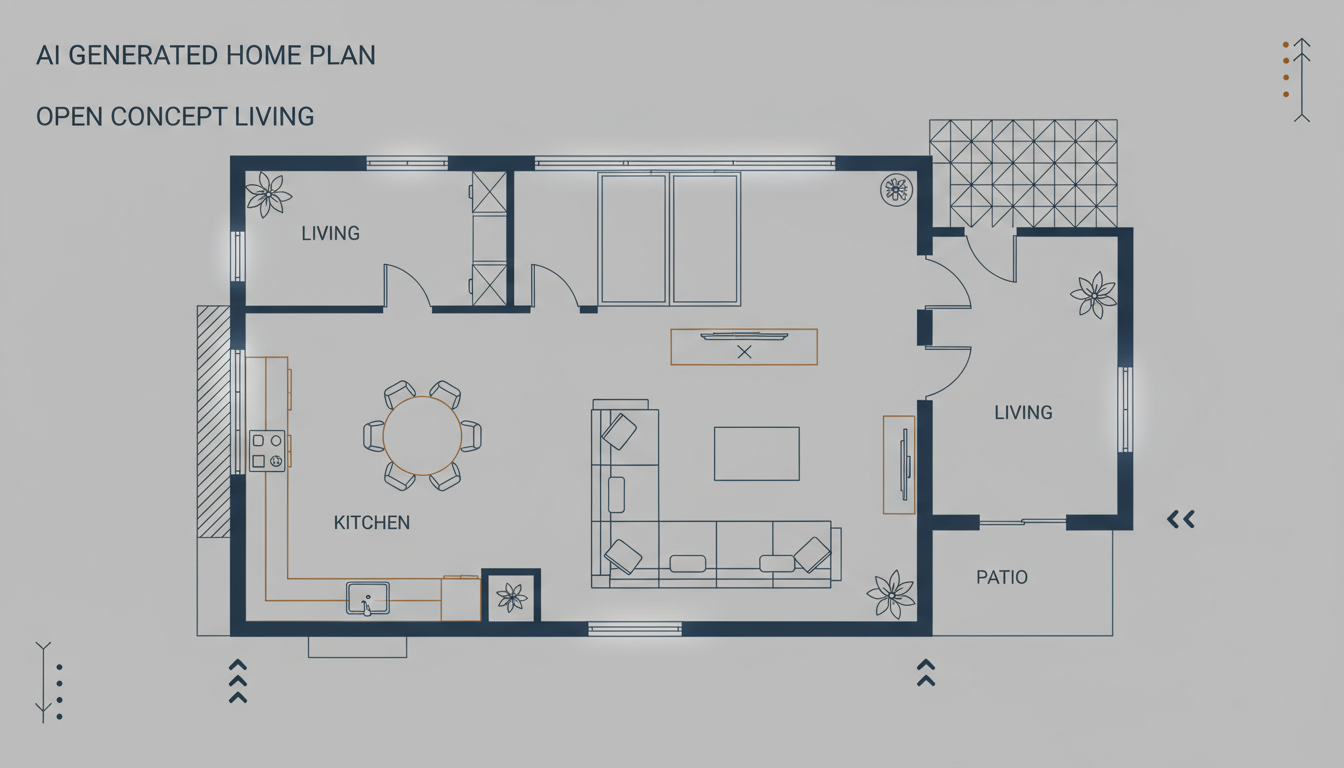


Experience the Ideal House Advantage for Your Home Plan Drawing Needs
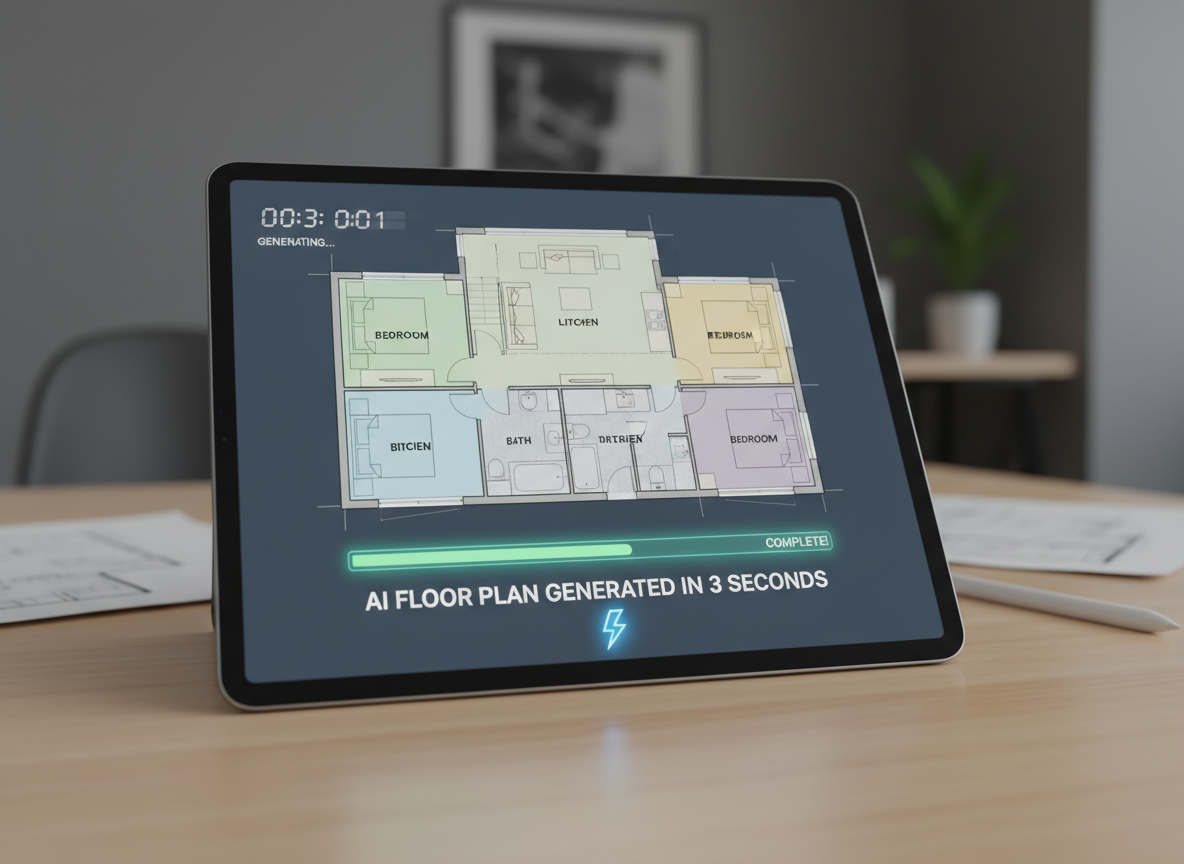
Instant Floor Plan Design
Generate precise home plan drawing layouts in mere seconds. Our AI-powered floorplan generator quickly interprets your specifications – from bedroom count to kitchen style – delivering presentation-ready 2D layouts. This speed is invaluable for quick iterations and initial concepts, making architectural drawings accessible to everyone.
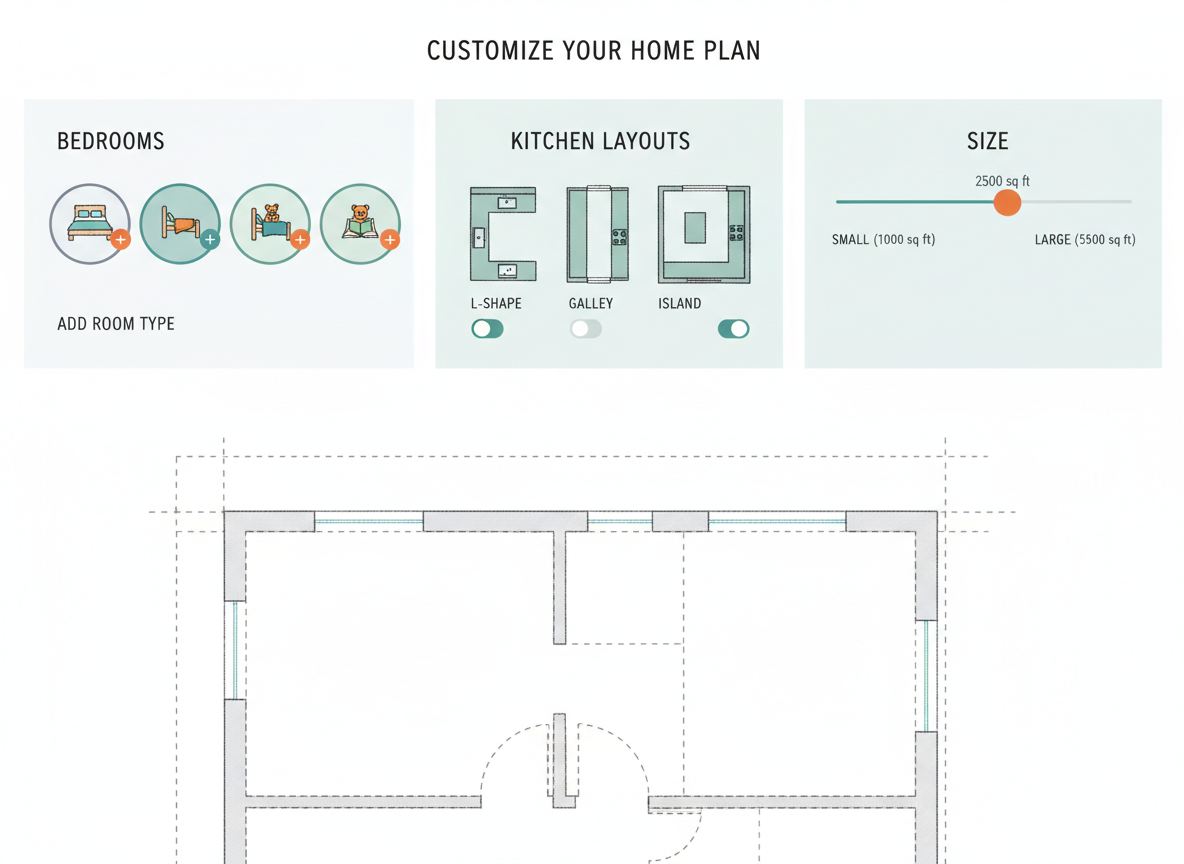
Custom Floor Plans, Simplified
Define your ideal living space with parameter-driven planning. Select bedrooms, bathrooms, gross area, and crucial extras like a walk-in closet or home office. Our AI creates custom floor plans that align with your exact requirements, offering a truly personalized house layout planner experience without the need for extensive drafting tool skills.
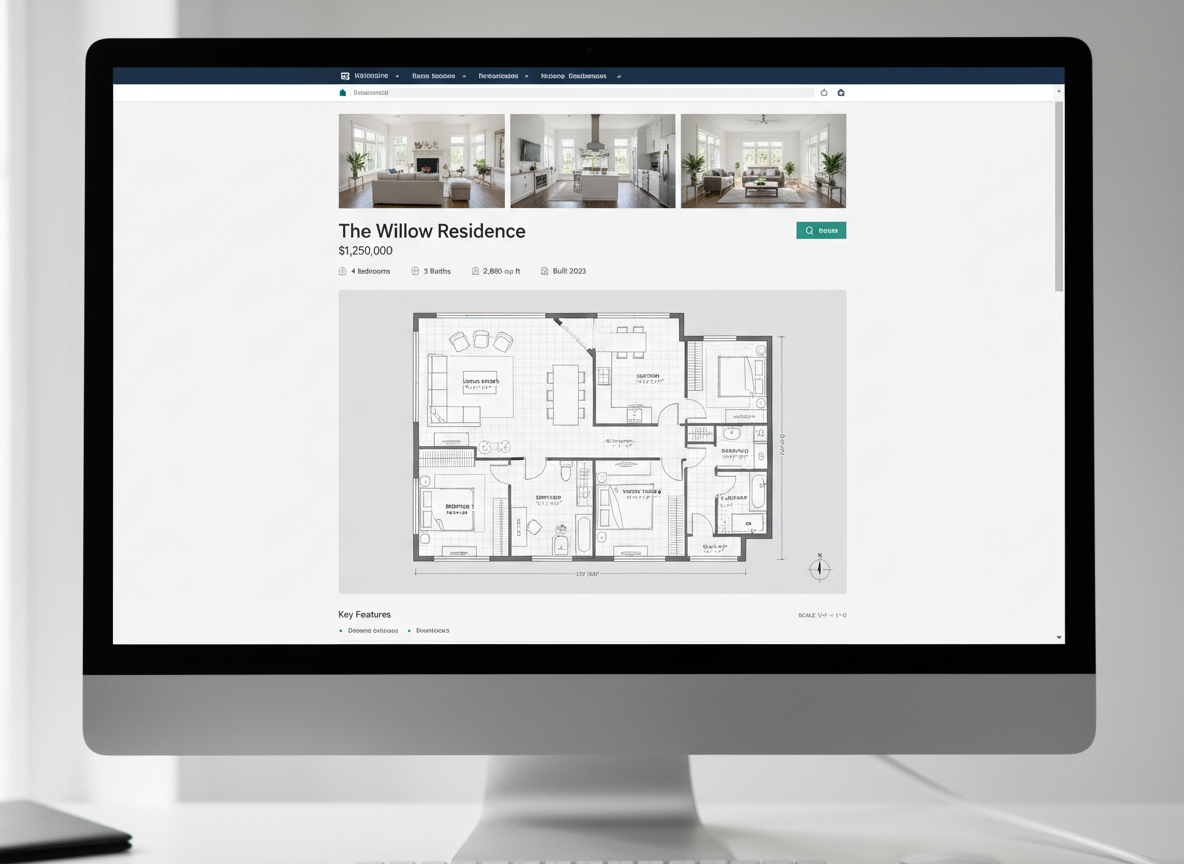
Enhanced Property Listings
Elevate your real estate offerings with clear, professional digital floor plans. A high-quality home plan drawing helps buyers visualize the space instantly, improving engagement and sales potential. Our tool provides consistent, attractive residential blueprints perfect for marketing properties across North America.

Collaborate with Confidence
Easily share and iterate on your home plan drawing with clients and contractors. The clear, standardized output facilitates better communication and decision-making. Quickly compare multiple house blueprints in your history, ensuring everyone is on the same page for spatial planning and design revisions.

Who Benefits from an AI Home Plan Drawing?

Homeowners & DIY Enthusiasts: Visualize renovations and new builds without professional software. Get a quick floor plan of your dream home.

Real Estate Professionals: Create compelling house blueprints for listings that attract more buyers and renters.

Interior Designers & Decorators: Rapidly generate and iterate on floor plan design concepts for clients, enhancing your design process.

Create Your Home Plan Drawing in 4 Simple Steps
1
1. Define Your Space: Select the number of bedrooms (0-4) and bathrooms (1-3) to establish the core of your home plan drawing.
2
2. Tailor Your Kitchen & Size: Choose between an open or closed kitchen layout and specify a gross area range to guide the overall dimensions and flow of your house layout planner.
3
3. Add Essential Features: Incorporate important 'extras' like a walk-in closet, laundry room, home office, or balcony to customize your digital floor plans.
4
4. Generate & Refine: Click 'Generate' to instantly produce your home plan drawing. Review, compare in your history, and tweak parameters to perfect your custom floor plans.
FAQs About Our AI Home Plan Drawing Tool
How does the AI create a home plan drawing from my selections?
Our AI floorplan generator processes your input – including rooms, kitchen style, gross area, and extras – then applies architectural best practices for adjacency and flow. It efficiently drafts clear 2D layout plans, acting as a smart drafting tool to visualize your property layout.
What specific options can I choose for my floor plan design?
You can set 0-4 bedrooms, 1-3 bathrooms, an open or closed kitchen, and a gross area range. For extras, select from walk-in closet, laundry room, home office, garage, pantry, combined living-dining, and balcony to influence your custom floor plans.
Can I generate multiple versions of a home plan drawing?
Absolutely! Every generated home plan drawing is saved in your 'Generation History.' This allows you to easily compare different house blueprints, iterate on ideas, and select the best floor plan design for your needs. It's a comprehensive room planner and comparison tool.
How quickly can I get a home plan drawing?
Most home plan drawings are generated within seconds. Our AI floor plan generator is designed for speed and efficiency, providing quick floor plan results without compromising on quality or detail, making it an ideal home design software solution.
Is this tool suitable for residential blueprints?
Yes, our AI Floor Plan Generator creates clean, professional 2D residential blueprints that are perfect for preliminary design, client discussions, and marketing. While not full construction documents, they provide excellent home architectural plans for initial planning and visualization.
Explore More Ideal House Design Tools


Ready to Design Your Space?
Create stunning, accurate home plan drawing visuals with the Ideal House AI Floor Plan Generator. Fast, intuitive, and professional results every time.
Generate My Floor Plan
💰 Ottieni il 10% di commissione come partner affiliato di Ideal House.
Unisciti a noi